Developer Guide
Technical architecture and development setup for the mi. Browser open-source project.
UI Reference

Homepage
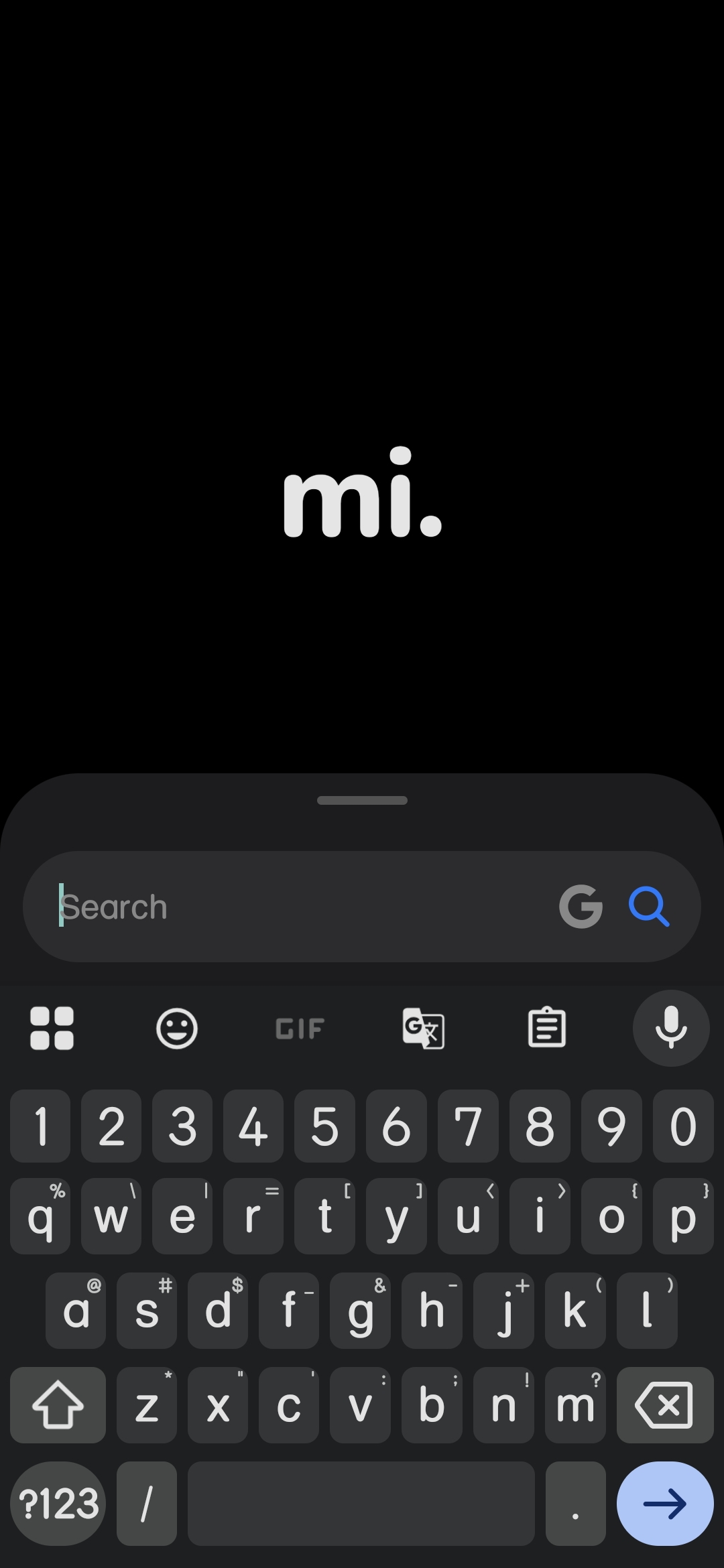
Focused Pill
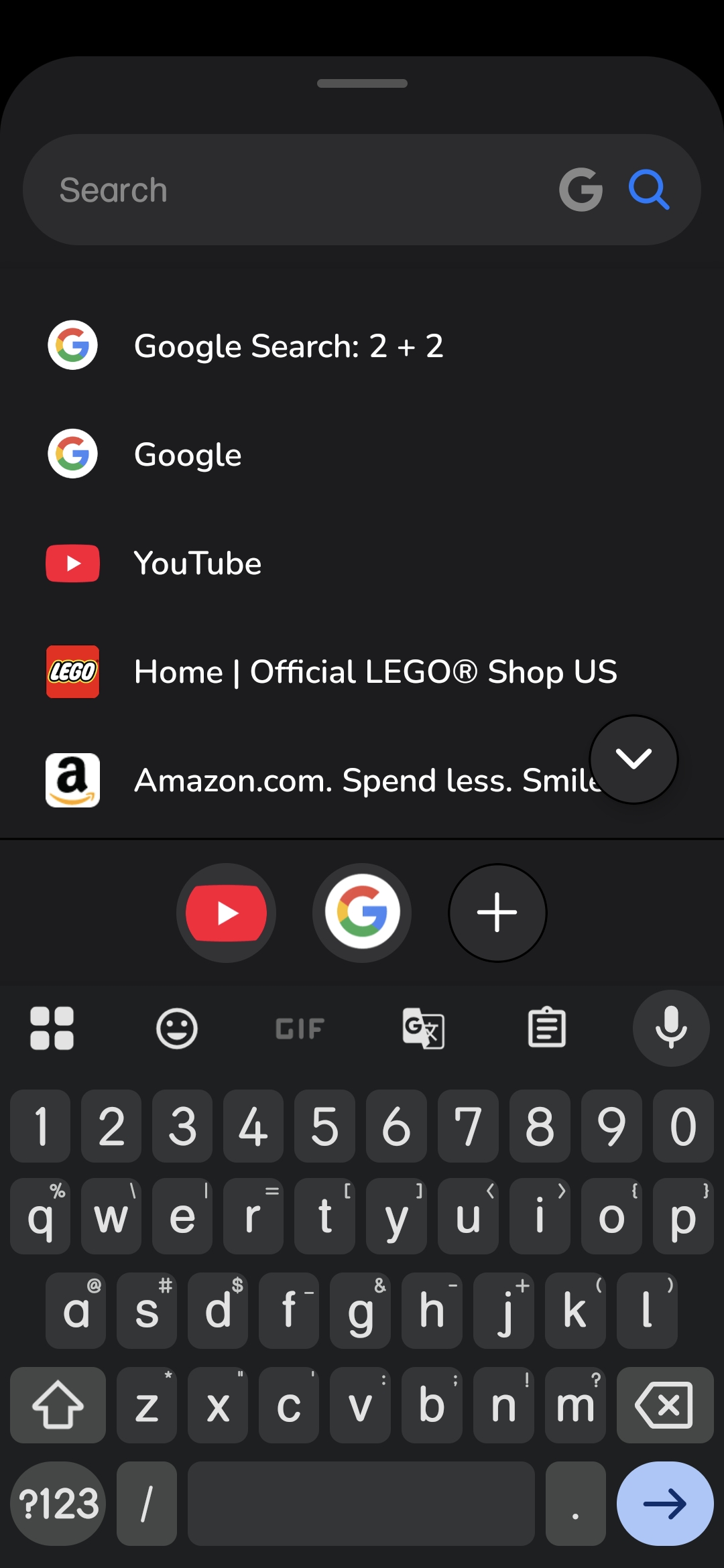
Expanded Search

Dashboard
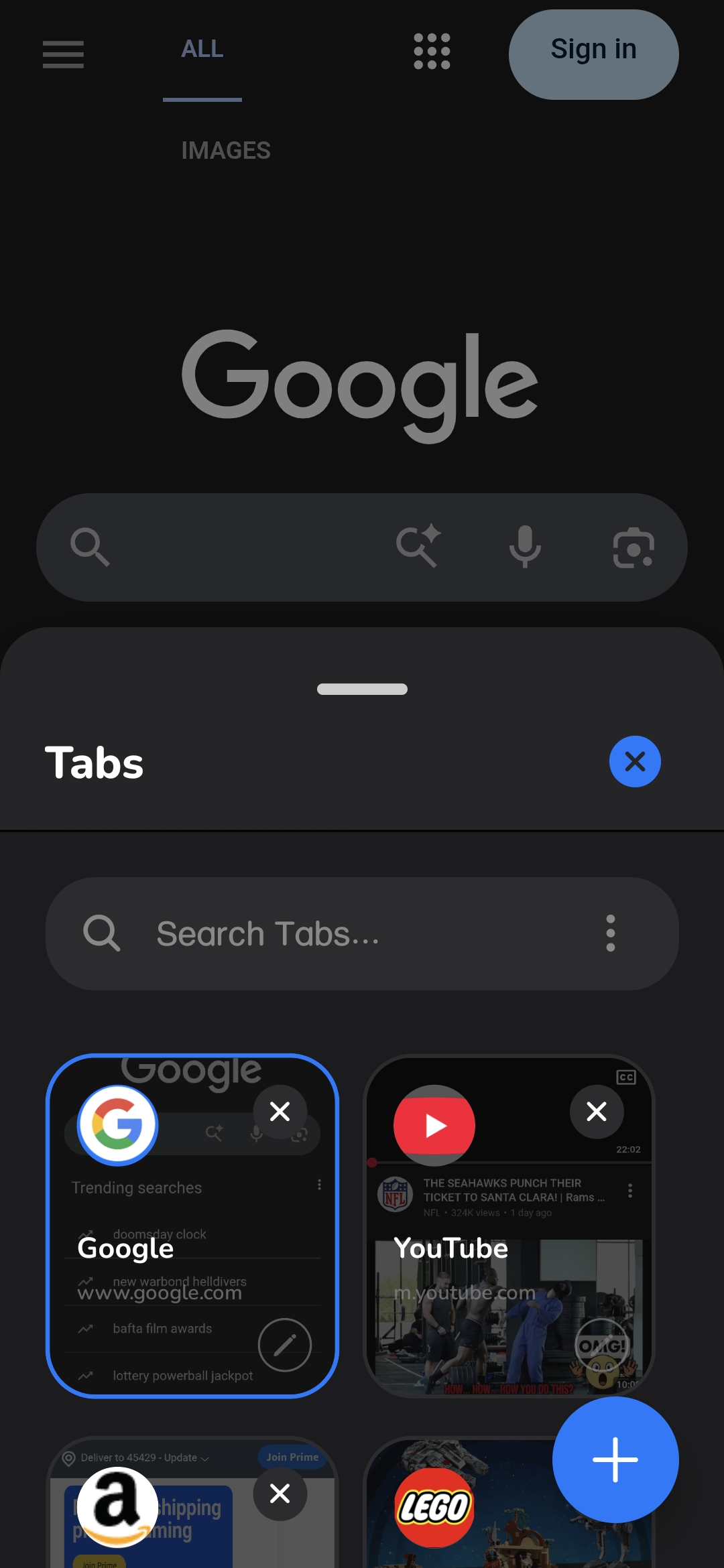
Tabs Grid
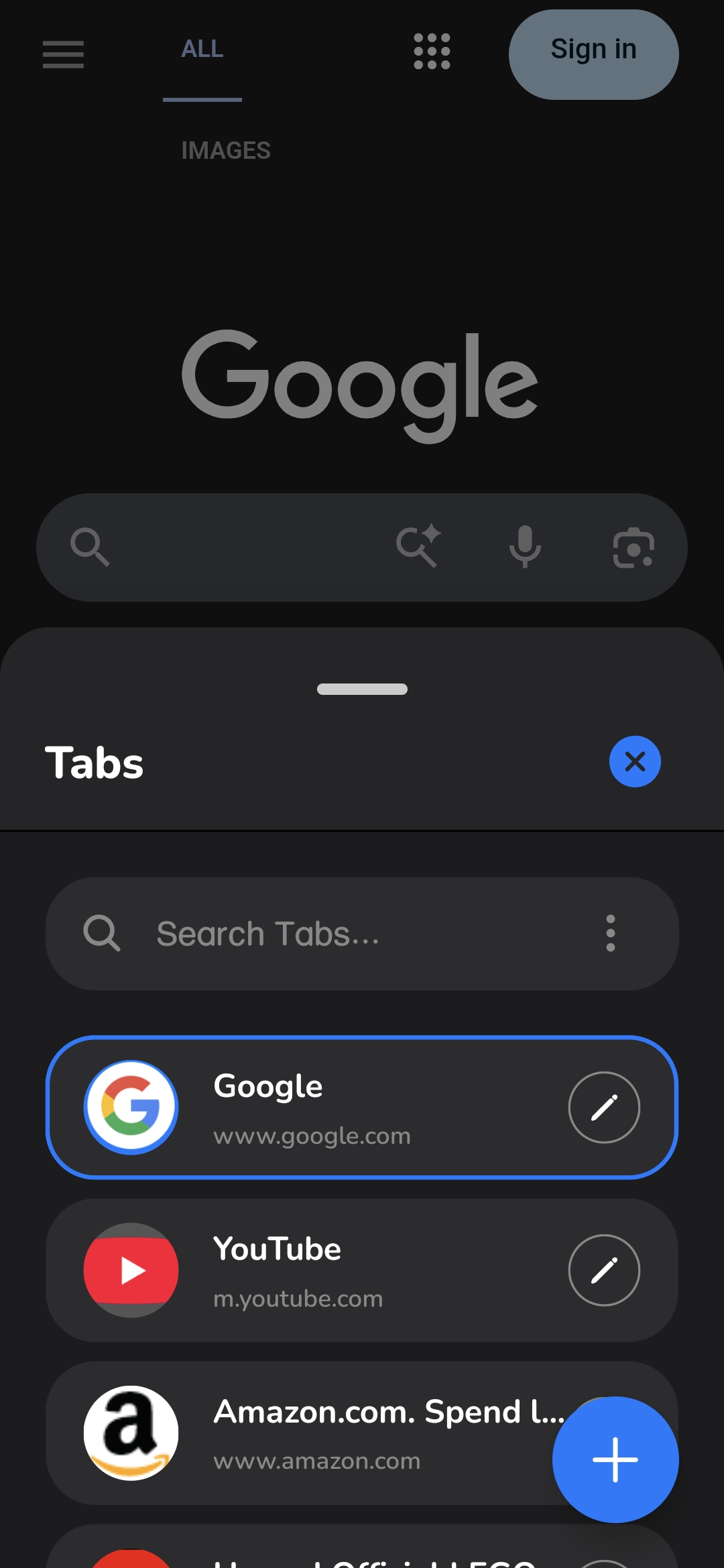
Tabs List
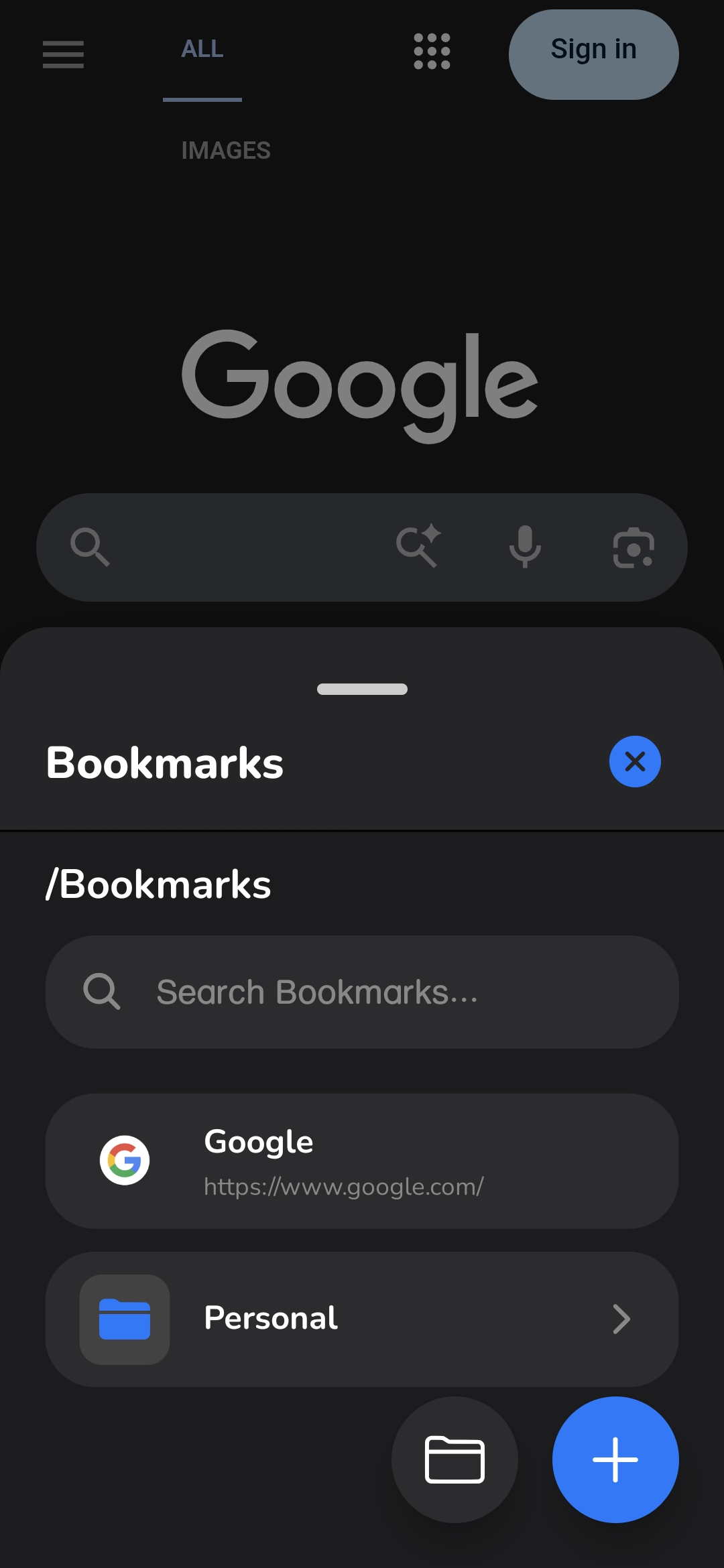
Bookmarks
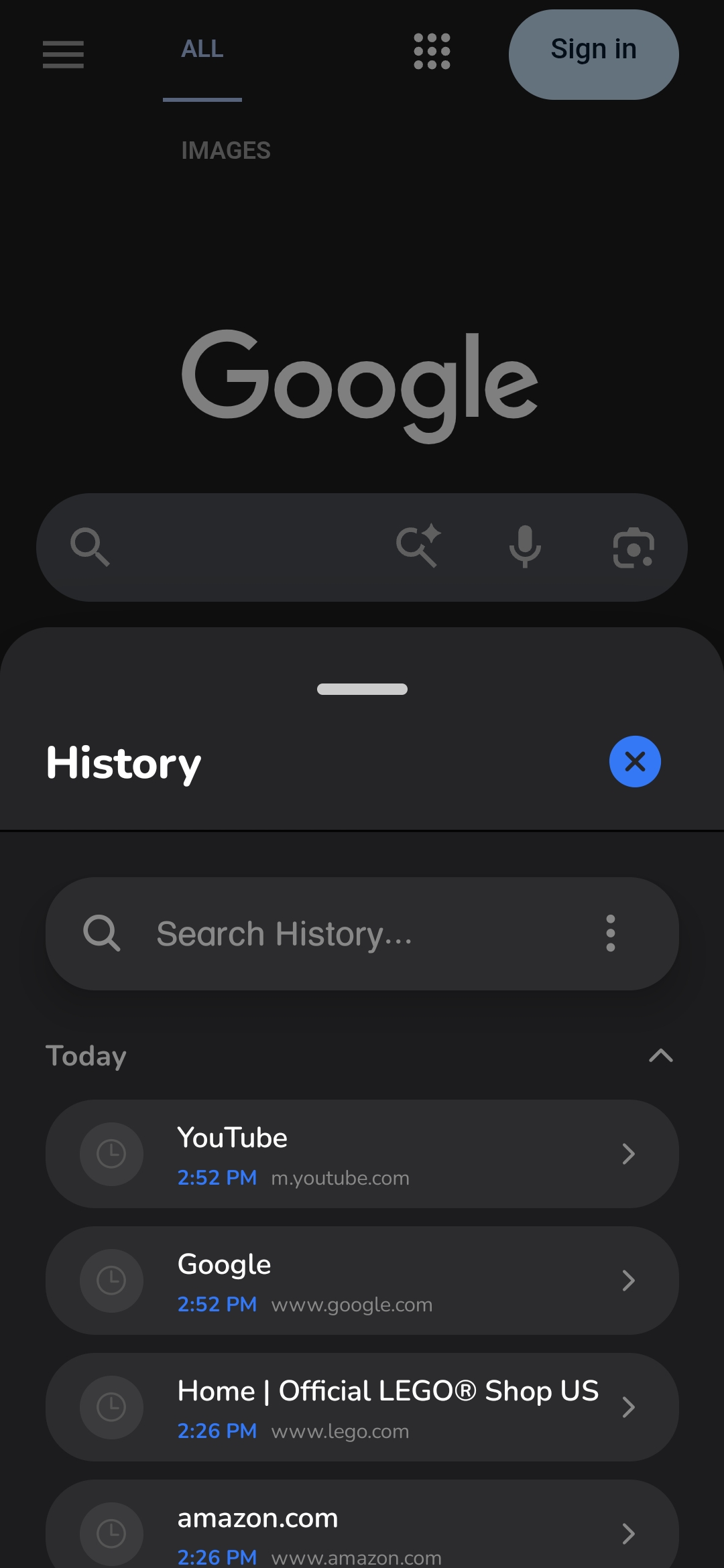
History
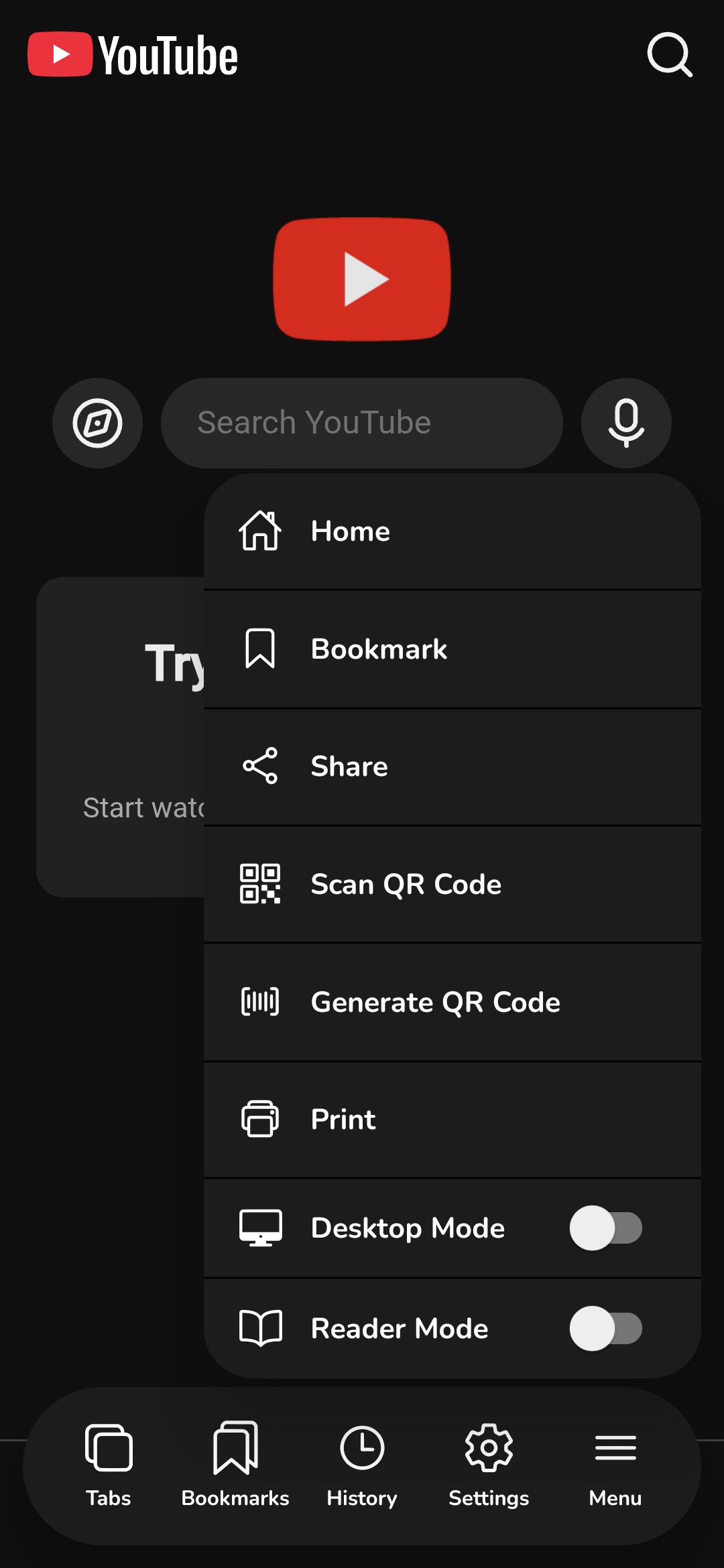
Power Tools
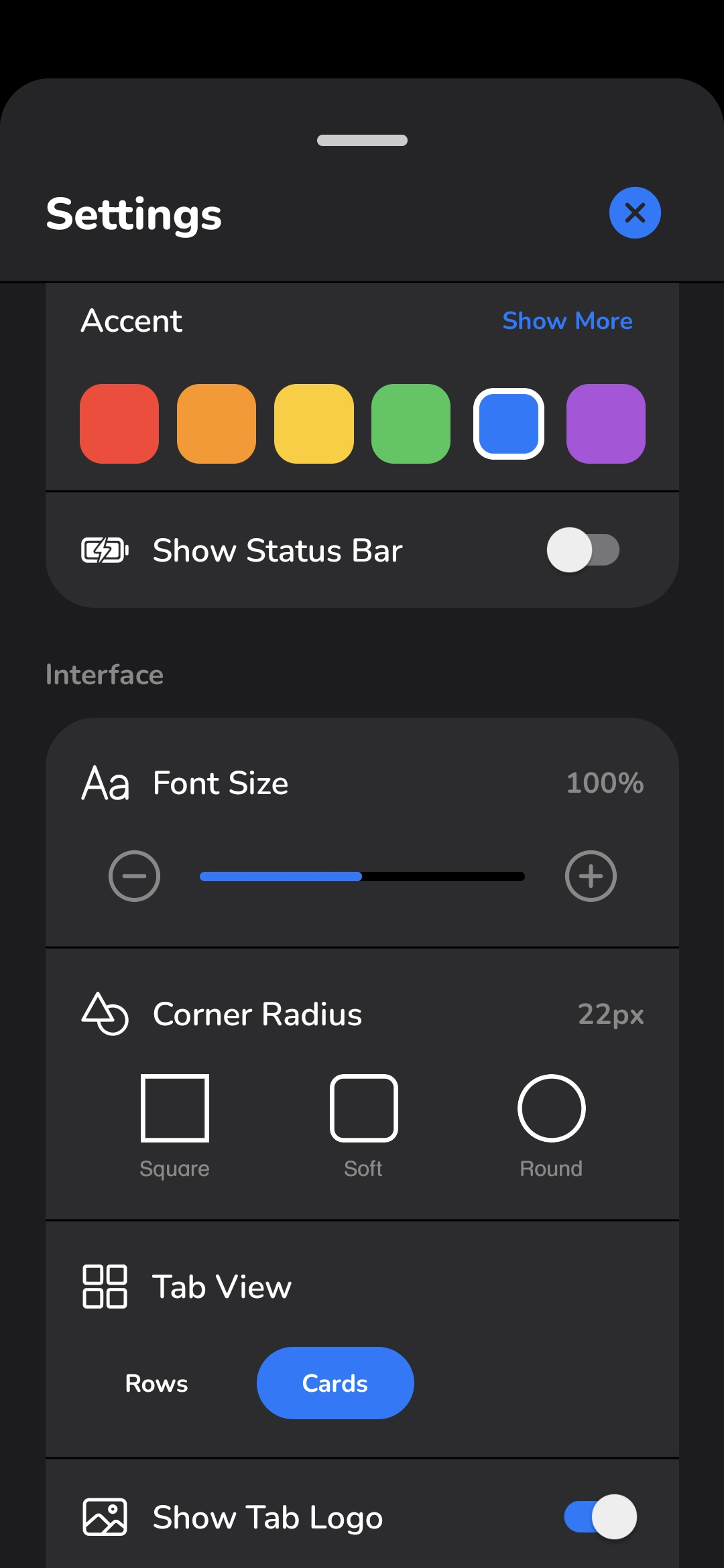
Settings
Tech Stack
Core Framework
- React Native
- Expo (SDK 52+)
- Expo Router
Engines & Logic
- react-native-webview
- React Hooks
- AsyncStorage
Animation & Interaction
- Reanimated
- Gesture Handler
- PanResponder
System Integration
- Quick Actions
- File System
- Haptics
Project Structure
/
├── app/                 # Expo Router pages (UI screens)
├── assets/              # Static assets (images, fonts)
├── src/
│   ├── components/      # Reusable UI components
│   ├── hooks/           # Custom hooks (logic extraction)
│   ├── utils/           # Helper functions
│   └── constants.ts     # App-wide configuration
└── ...config files
Development Setup
Prerequisites
- Node.js (LTS)
- npm or yarn
- Expo CLI (npx)
- Expo Go or Emulator
Installation
git clone https://github.com/jleescy/mi-browser.git
cd mi-browser
npm install
Running the App
npx expo start
Press a for Android Emulator or scan the QR code for Expo Go on your physical device.
Core Concepts
State Management
Most app state is centralized in custom hooks (useBrowserSettings, useTabs, etc.) and persisted using AsyncStorage.
Gesture Logic
The Pill uses a combination of PanResponder and Reanimated to handle complex multi-directional swipes with haptic feedback.
Building
Standard EAS builds can be triggered via:
eas build -p android --profile preview
Local APK Generation
For faster local iterations without waiting for EAS queues, use the provided build script. This requires bundletool and a local Android environment.
chmod +x build_apk.sh
./build_apk.sh --version 1.0.0
Note: The script performs a local EAS build, extracts the AAB, and uses bundletool to generate a universal installable APK in the ./builds folder.